
The tutorial says the baby is acting strange.
Suggested responseTake a photo with the camera flash, as the tutorial instructs.
Care for five babies in a house where everyday routines turn unsettling. Feed, bathe, and settle them for bed while watching for danger in the dark.
Protect the Babies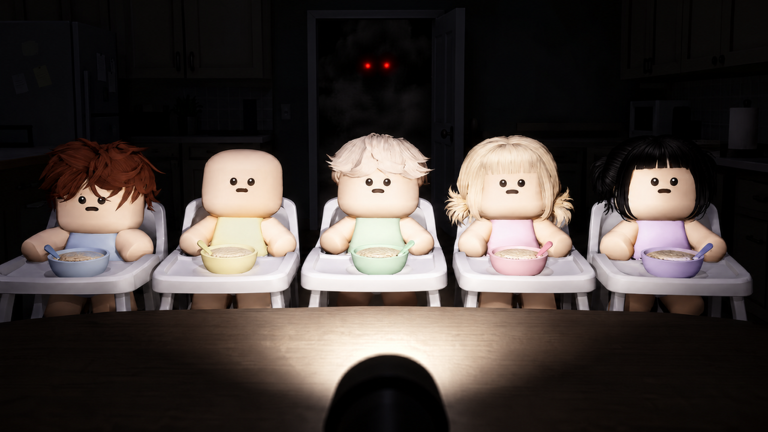
Learn the opening tasks and the first camera-flash warning.
Bring the first baby inside, read your phone messages and follow the care tasks. Use camera flash when the tutorial says a baby is acting strange.
Find opening walkthroughs, care tasks, protection help, strange events, code availability and game history.
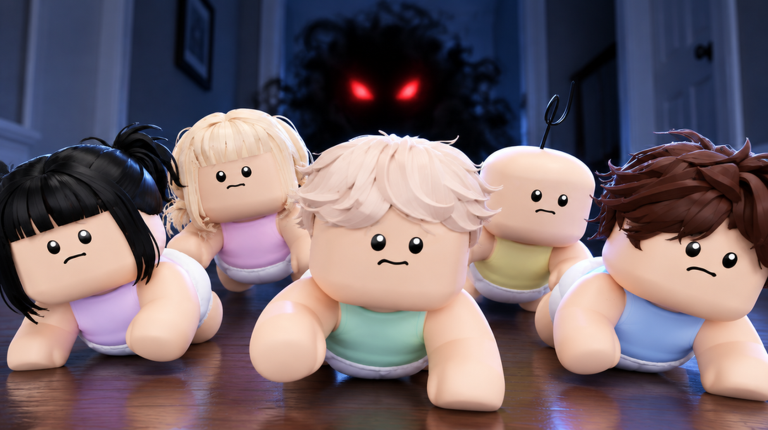
Clone Baby Care (Anomaly) is a Roblox survival experience set inside a home during an unsettling night. Five babies arrive unexpectedly, turning an ordinary care situation into an effort to keep them safe while mysterious events unfold.
Follow the Opening TutorialDeveloper
Oddbaby Studio
Platform
Roblox
Genre
Survival
Setting
A house at night
Match the protection prompt to its named light response.
Take a photo with the camera flash, as the tutorial instructs.
Use one of the named options: Camera flash or Beam Flashlight.
Get the food and baby ready for the tutorial feeding task.
Start the tutorial meal preparation.
Prepare the porridge.
Have the baby seated for feeding.
Have the pot and baby ready together.
Use room landmarks to locate the objects named by care tasks.
Look for the ingredient fridge, cooking pot on the hob, and high chairs used for the feeding task.
Look for the row of cribs, long white changing dresser, and red-and-yellow toy box.
For the ordinary tutorial bath task, find the water-filled white bathtub in the tiled room.
Spot the objective and countdown that distinguish the Day 5 ritual scene.
The Day 5 Bedtime scene displays “Put the ritual baby to sleep.”
The ritual objective has an active timer; the scene shows it moving from 22s to 21s.
The nursery is red during this documented ritual bedtime scene.
Check code availability and any listed rewards.
No currently usable codes are listed.
Quick help for the opening care tasks and strange-baby warnings.
Learn the opening care tasks and the first camera-flash response, then enter the Roblox game.